First, learn to read one row
Every spreadsheet in this niche roughly follows the same shape. Once you can read one row, you can read any of them — the differences are in which columns they bother to fill in.
Representative row built from a live listing on the sheet we test. The batch and QC cells are the two a bad sheet leaves blank.
Three of those fields are load-bearing: batch, price in both currencies, and QC. A row without a batch name is a lottery ticket; a row without a QC photo is a promise; a row with only a CNY price forces you to do the conversion in your head and hides the agent's margin.
The five steps, in order
Open the sheet on a laptop, not a phone
The sheet is a wide table: link, batch, price in CNY, price in USD, seller rating, QC column. On a phone you will scroll sideways for a minute per row. Open it on desktop, or use the agent page which stacks the same fields vertically.
Filter by category before you browse
Shoes, hoodies, jackets, pants, accessories, headwear. Skipping this step is the single most common reason people order a "jacket" that turns out to be a vest — the row was in the wrong tab, or the category filter reset.
Read the row, not the photo
The photo is a marketing shot from the seller. The row is the contract: seller name, batch code, the exact Weidian item ID, and the date the row was last checked. If the date is older than about six weeks, assume the price and the batch have both moved.
Copy the item link into the agent, never the sheet URL
The sheet link is a wrapper. The agent needs the raw Weidian or Taobao product link, which is what the "open seller" cell contains. Pasting the sheet URL is the number-two support ticket in every agent help centre.
The wrapper problem: sheets that open a "gateway" page first are usually
harvesting a click. If the link does not land on weidian.com or
taobao.com, treat it as a redirect and go around it.
Ask for QC before you approve international shipping
This is the step the sheet cannot do for you. The warehouse photographs the item when it arrives; you approve or reject. Five rejections across my 14 orders were all caught here, not by the seller.
Deadline: QC windows are typically 3–7 days after the item reaches the warehouse. Miss it and the parcel ships as-is; the dispute path after that is much worse.
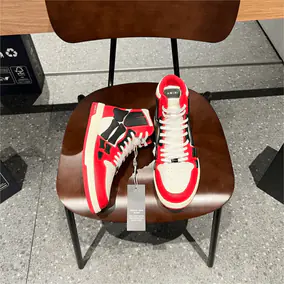

![Stussy Nike Air Max 2013 Sneakers [7 styles]](https://api.spreadsheetkakobuy2027.com/api/static/products/WEIDIAN_7626729210_1_284x284.webp)
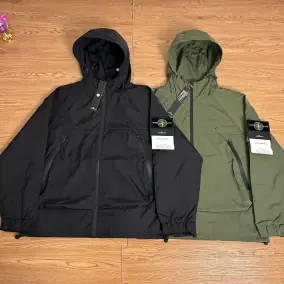
![Design Jacket [29 styles]](https://api.spreadsheetkakobuy2027.com/api/static/products/WEIDIAN_7775422853_1_284x284.webp)
![Motorsport Racing Jackets [26 Styles]](https://api.spreadsheetkakobuy2027.com/api/static/products/WEIDIAN_7626810771_1_284x284.webp)